1. Create a database
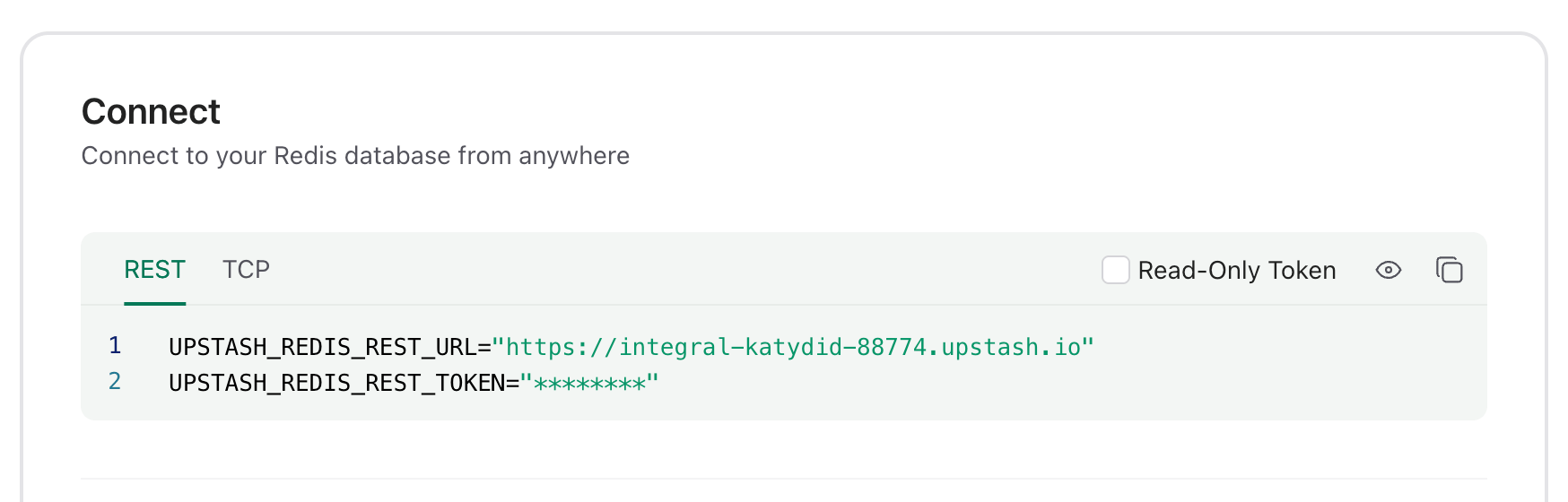
Create a Redis database using Upstash Console or Upstash CLI. Select the global to minimize the latency from all edge locations. Copy theUPSTASH_REDIS_REST_URL and
UPSTASH_REDIS_REST_TOKEN from the Connect section of your database for the
next steps.
2. Create a Deno Deploy playground
Go to https://console.deno.com, open your organization’s Applications page and click New Playground. This creates a “Hello World” playground with a browser editor.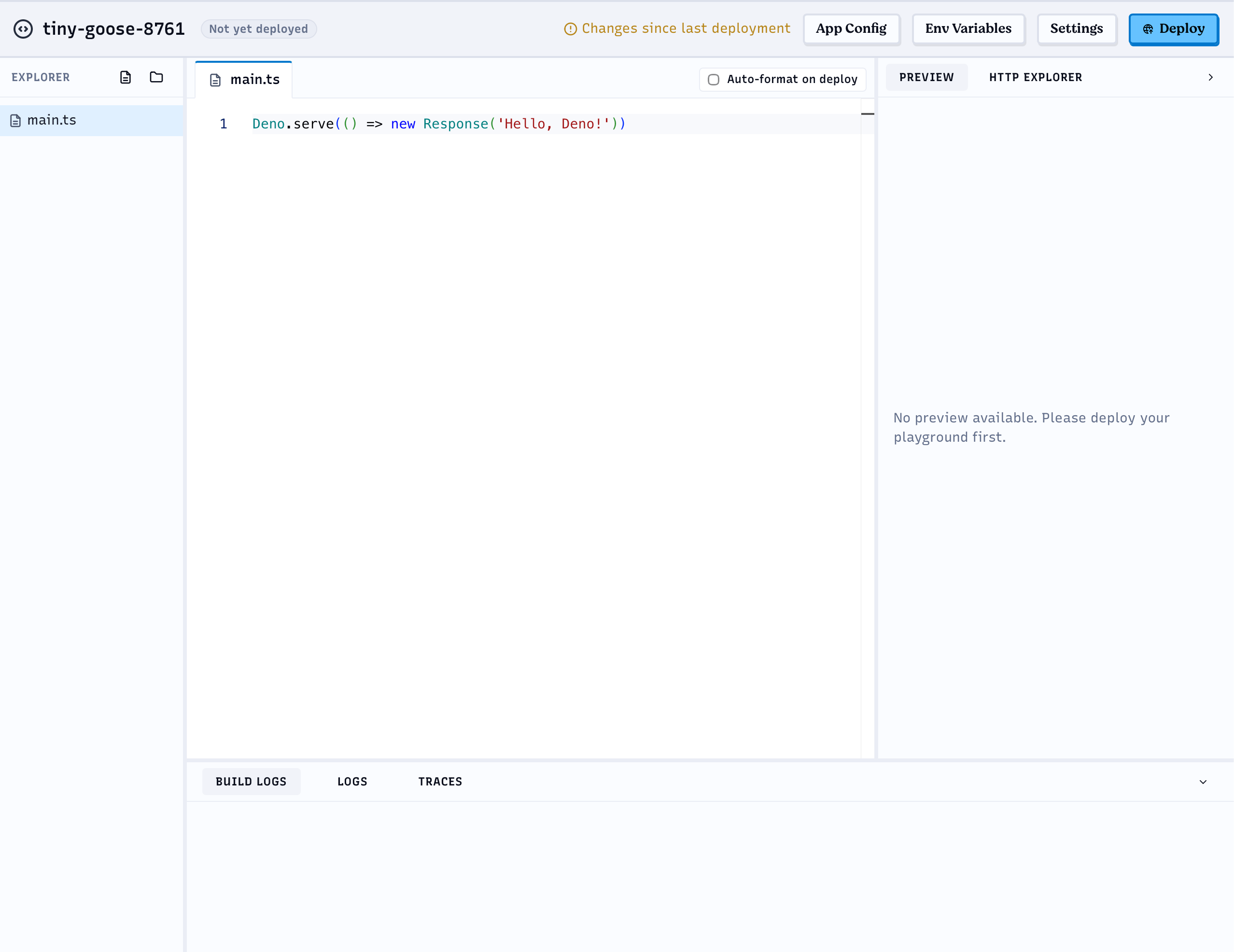
3. Set the environment variables
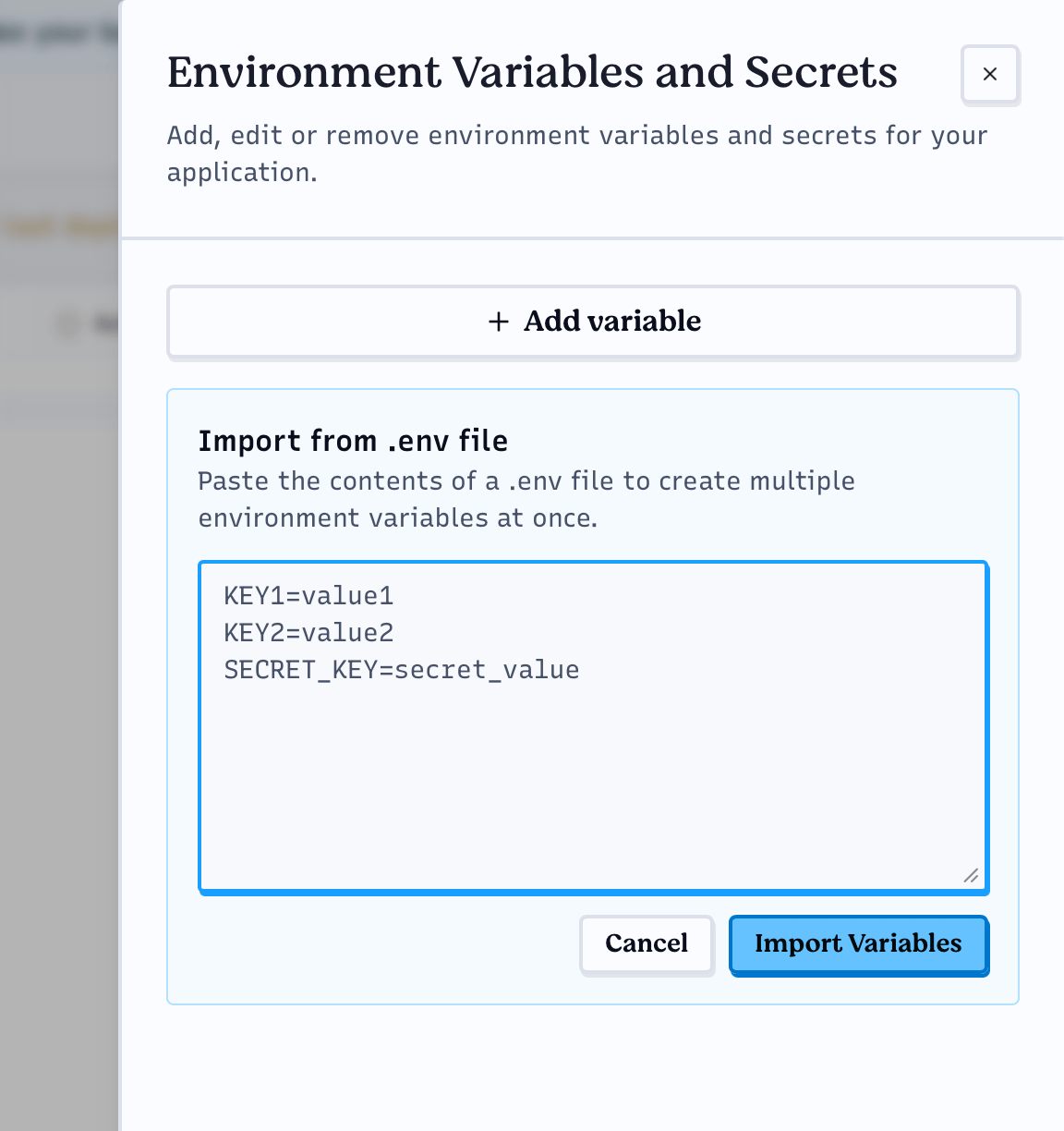
Click Env Variables in the top bar of the playground and add theUPSTASH_REDIS_REST_URL and UPSTASH_REDIS_REST_TOKEN variables. You can add
them one by one with Add variable, or paste both lines you copied from the
Upstash Console into Import from .env file and click Import Variables.